Works equally well on all devices
New Lucky Download the App — Available on Android, iOS, and Web
One account, all games, any device. Download the New Lucky app and play anytime, anywhere.

One account, all games, any device. Download the New Lucky app and play anytime, anywhere.
Play on Android, iOS, or straight from your browser — your choice.
Download the APK directly and install it. Available safely outside the Play Store.
Enjoy the full experience on iPhone and iPad. Looks stunning on Retina displays.
Play directly from your browser with no download required. Chrome, Firefox, and Safari are all supported.

Complete installation in just a few minutes and start playing.
Start by creating an account on New Lucky. Registration takes just two minutes with your mobile number.
After logging in, go to the Download section and tap the Android APK link. The file will save automatically.
Go to Settings → Security → Unknown Sources on your phone and enable it. This is only needed once.
Open the APK file from your Downloads folder. Tap Install and wait a few seconds.
Once installation is complete, you'll see the New Lucky icon on your home screen. Open the app and log in to your account.
Deposit with Mobile Banking or Nagad and enjoy your favourite games. Get a bonus on your first deposit.
The app offers far more features compared to the standard web version.
Launches much faster than a browser. Games load in just 1–2 seconds. Works reasonably well even on a weak network.
Get instant alerts for new bonuses, tournaments, and special offers. Never miss an opportunity.
Log in quickly using your fingerprint or face recognition. No need to remember your password.
Some games can be practised offline even without an internet connection. Progress syncs automatically once you're back online.
Choose from Dark, Light, or Gold themes in the app. Customise the interface to suit your style.
Every session runs on an encrypted connection. Your account details and transactions are fully protected.

Many users aren't sure whether to download the app or just play from a browser. The comparison below should make the decision easy.
| Benefits | Android App | iOS App | Web |
|---|---|---|---|
| Loading Speed | Fast | Fast | Medium |
| Push Notifications | |||
| Biometric Login | |||
| Offline Mode | |||
| Installation Required | Yes | Yes | No |
| Works on all devices | Android only | iOS only | All |
| Custom Themes | Limited |
The New Lucky app brings all game types together in one place — fish games, live sports betting, bingo, slots, and more, all neatly organised within the app. Switching between game categories requires no page reload; everything changes with a single tap.
Playing Fish Game on mobile is a much smoother experience in the app — you can aim directly by tapping the screen, and animations run noticeably more fluidly than in a browser. The app is also far more convenient for following live matches in the Sports section, since real-time updates arrive instantly via push notifications.
Android users receive update notifications directly in the app. You can also check manually anytime via Check for Updates under the Settings menu. With auto-update enabled, new versions download automatically. iOS users will receive updates through the App Store.
Every update brings new games, performance improvements, and bug fixes. The New Lucky team continuously works to improve the app, so staying on the latest version is always a good idea.
It's understandable to feel cautious about downloading a third-party APK. However, New Lucky's official APK is completely safe — it's malware-free and goes through regular security audits. Installing the app will not make any unwanted changes to your phone.
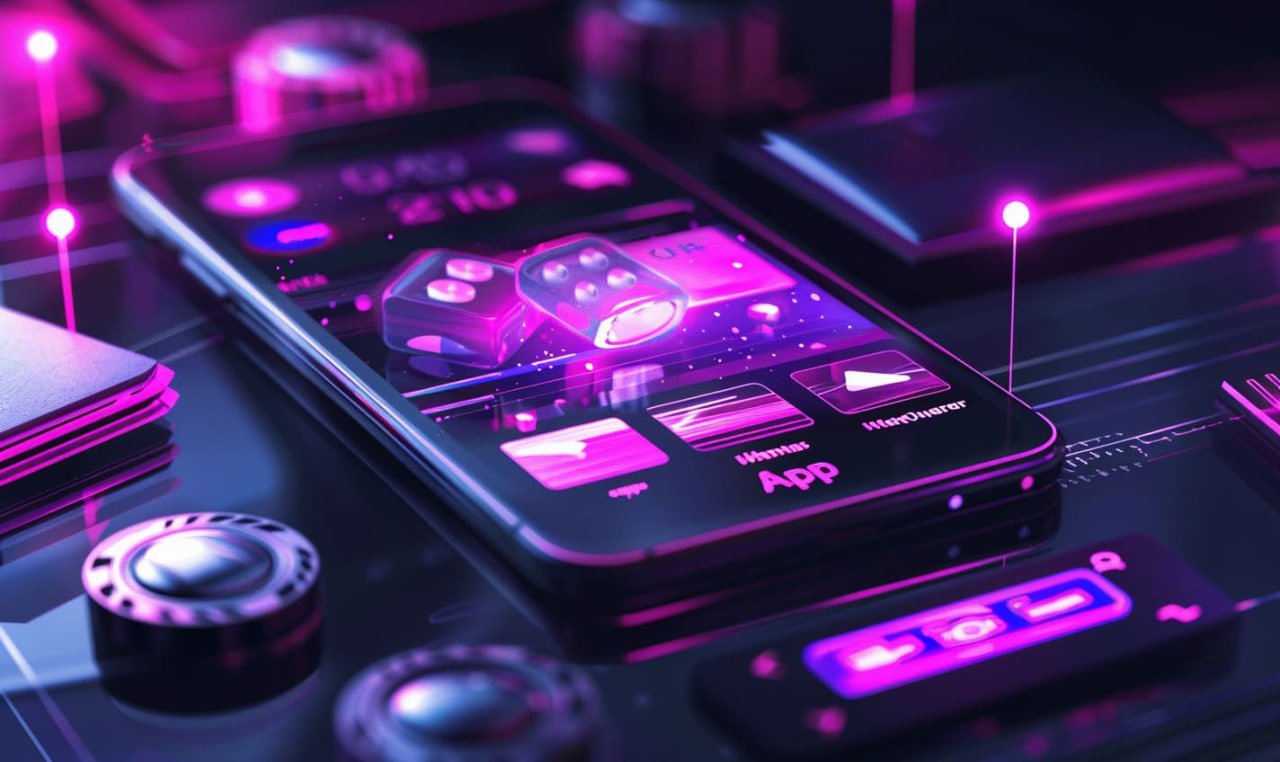
Smartphones are now an inseparable part of our lives — from the moment we wake up to the moment we go to bed, our phones are with us. New Lucky built its mobile app with this reality in mind. Rather than simply creating a mobile version of a website, the entire experience has been redesigned from the ground up for mobile.
Internet connectivity in Bangladesh isn't always consistent — sometimes the signal is weak, sometimes data runs out. The New Lucky app is built with this in mind. It runs reasonably well even on limited data, with optimized images and animations that keep data usage to a minimum.
You can deposit directly in the app using Mobile Banking, Nagad, or Rocket — no need to open a separate browser. The payment gateway is built right into the app, making the entire process fast and hassle-free. Withdrawals work the same way, all from within the app.
The live chat button is always visible in the app. If you run into any issues, you can reach the support team right away. The team typically responds within minutes.
Logging in for the first time after downloading the app unlocks a special welcome bonus. You'll also receive a 100% match bonus on your first deposit. A demo mode is available for new players, so you can explore the games without spending any money.
In short, if you want to play on New Lucky regularly, downloading the app is the most convenient option. Once installed, you won't need to log in repeatedly — you'll receive notifications, and everything will feel much smoother.
Answers to common questions about downloading the New Lucky app.
Register, download the app, and get a 100% bonus on your first deposit.